Access Roles - Manager
This role is best for your core team, the people who run projects, invite collaborators, and manage content day to day. The only actions reserved for the workspace owner are viewing billing and setting workspace-wide asset protections.
note
The Manager role replaces the former Editor role.
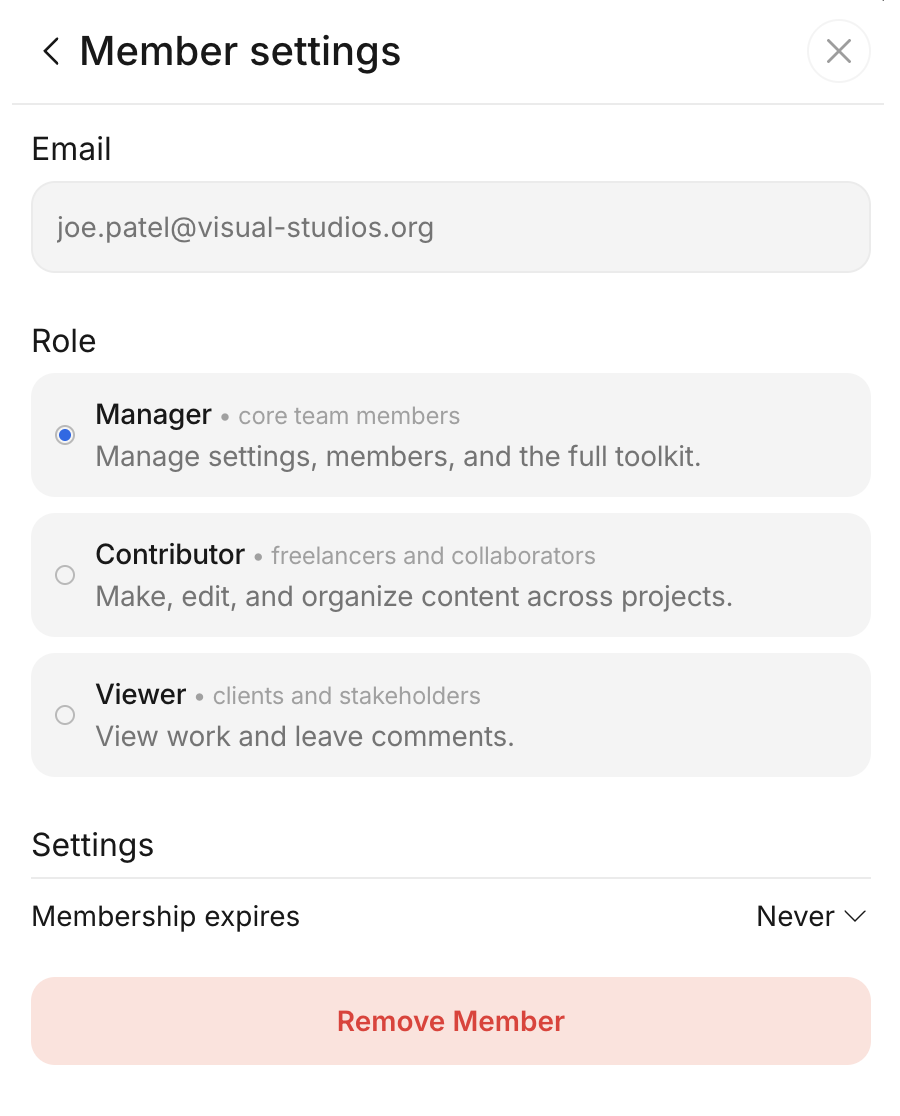
Permissions:
- View and edit any permitted asset / project folder / workspace
- Create folders; upload, organize, move, copy, rename, delete, and restore folders and assets
- Manage versions and version history (add versions, set a version as main, detach versions)
- Comment, reply, draw annotations, and attach files
- Download and export comments and attachments
- View, create, edit, and archive comment topics
- Update asset status
- Edit notes and custom metadata fields
- View, upload, download, and edit subtitles
- Transcribe and translate subtitles
- View assets in MediaStore; export subtitles and assets to it
- Export assets to external connections
- View Analytics
- Invite users and manage permissions
- Create and manage external share links
- Manage asset protections on specific assets and folders
- Edit folder notifications (uploads, ingest, frequency)
- Open Settings, including Access management and Usage
Limitations:
Two actions require being the workspace owner in addition to the Manager role (the workspace owner is a Manager who also owns the workspace):
- Viewing Billing
- Setting workspace-wide asset protections