Create a Project Folder
Project folders are how you organize work in MediaBench. A folder can stand for a client, a campaign, a season, or however your team thinks, and folders can nest inside each other. Assets, comments, permissions, and protections all live inside a folder, so creating one is usually your first step.
Create a folder
- In the menu bar, click + New
- Select New folder and give it a name
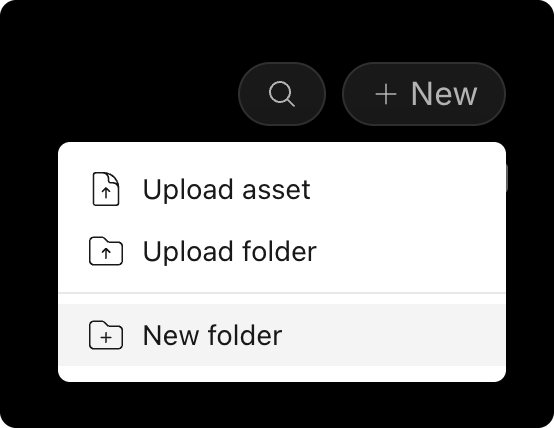
Your new folder appears in your workspace right away.
Good to know
A folder is the unit you act on across MediaBench. It is what you share, protect, and set notifications on.