Customize and Manage Share Links
Once you have created a link (see Create a Share Link), open its settings with the cog icon to configure it, add protections, brand it, and manage it over time. You can share a single asset or an entire folder's contents.
The settings open with the link's URL and a copy button at the top, followed by three sections: Settings, Protections, and Branding.
Settings
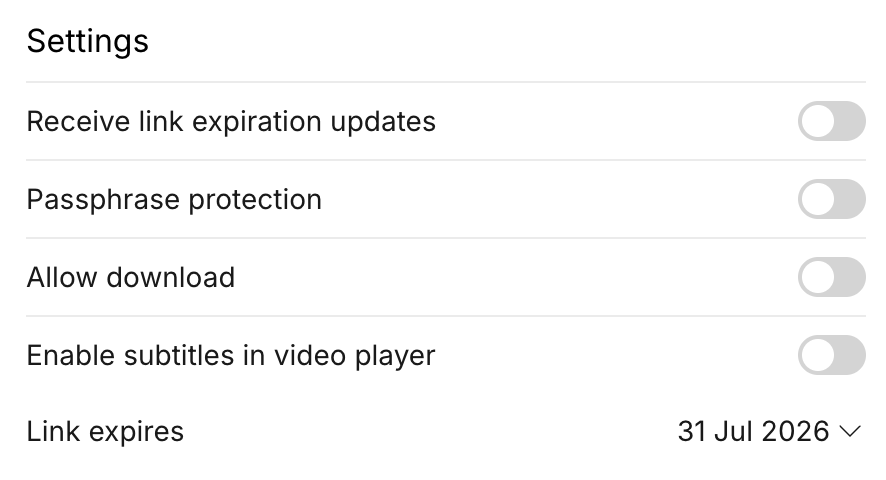
- Receive link expiration updates - get notified before the link expires
- Passphrase protection - require a password to open the link. When you turn this on, MediaBench generates a passphrase automatically; use the reveal and copy buttons to share it
- Allow download - let viewers download the asset
- Enable subtitles in video player - show subtitle tracks to viewers
- Link expires - one week by default; choose 1 day, 1 week, 1 month, or a Custom date
Add share-level protections
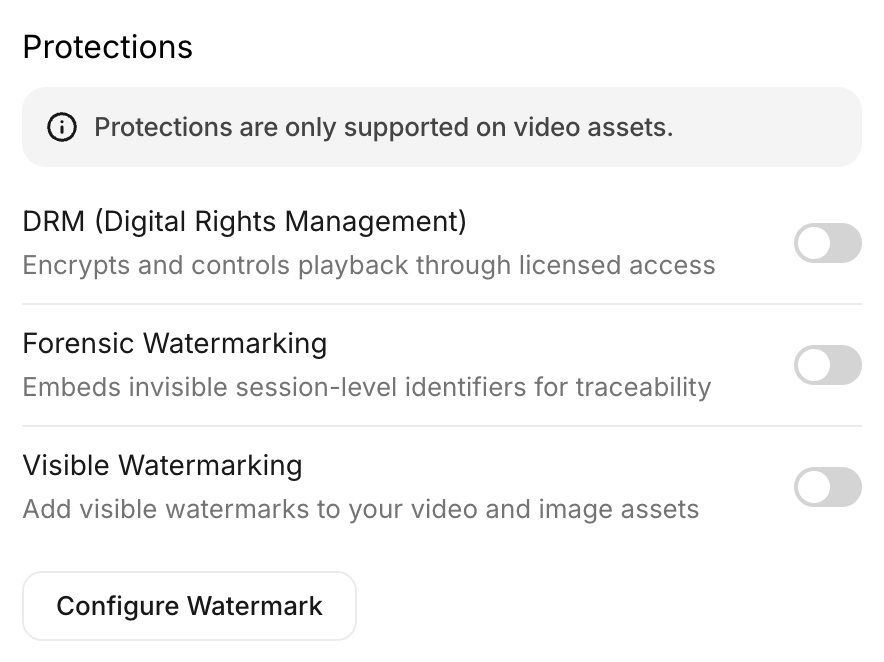
The Protections section lets a link carry its own DRM (Digital Rights Management), Forensic Watermarking, and Visible Watermarking, independent of the asset's own protections. These apply to video assets only.
Brand the link
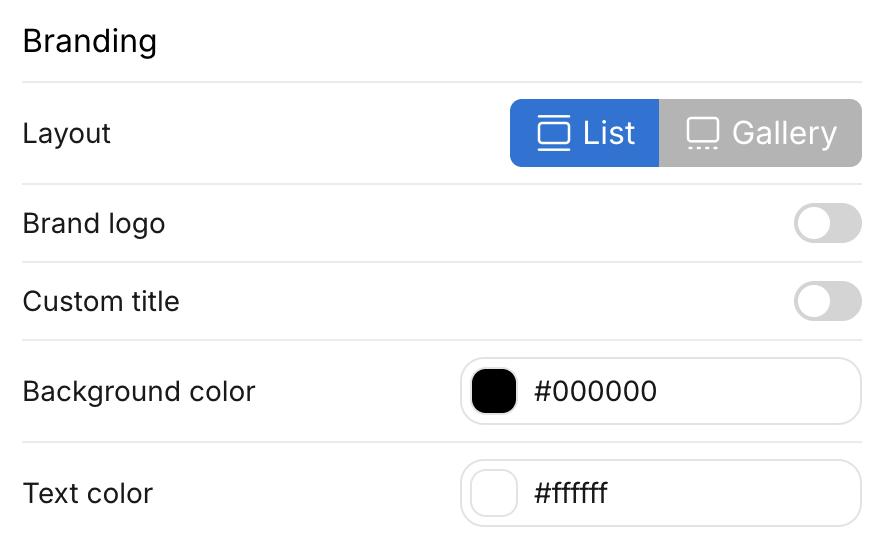
In the Branding section:
- Layout - show assets as a List or a Gallery
- Brand logo - turn on to upload your own logo with Upload (and Remove it later)
- Custom title - turn on to set the heading shown to viewers
- Background color and Text color - match your brand
Manage existing links
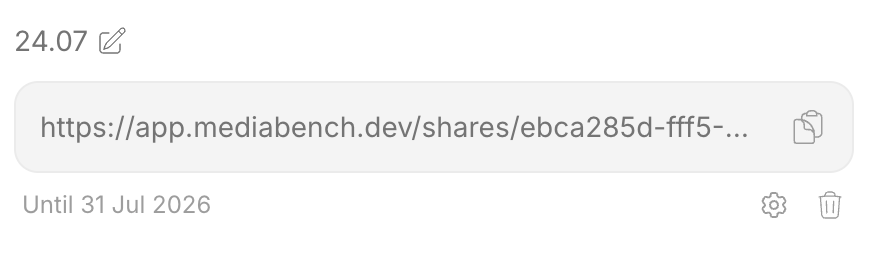
Open the Share externally tab to see the Available links for the asset or folder. For each link you can:
- Copy the URL with the copy icon
- Open settings with the cog icon to edit its settings, protections, and branding
- Remove the link with the trash icon. Removing it warns: "Once removed, everyone using this link will immediately lose access."
You can also rename a link inline from the list.
Managers can create, edit, and remove external share links. Contributors can view and copy them.