Invite a User to Collaborate
Bring people into MediaBench by inviting them to a workspace, a folder, or a single asset. Where you invite someone decides how much they can see, and the role you give them decides what they can do.

Choose where to invite
Invite at the level that matches how much access the person needs:
- Workspace - access to everything in the workspace
- Folder - access to that folder and its sub-folders
- Asset - access to that one asset only
Send the invite
- Open the workspace, folder, or asset you want to give access to
- Click Share and open the Invite to collaborate tab
- Check that the name matches the target you intend
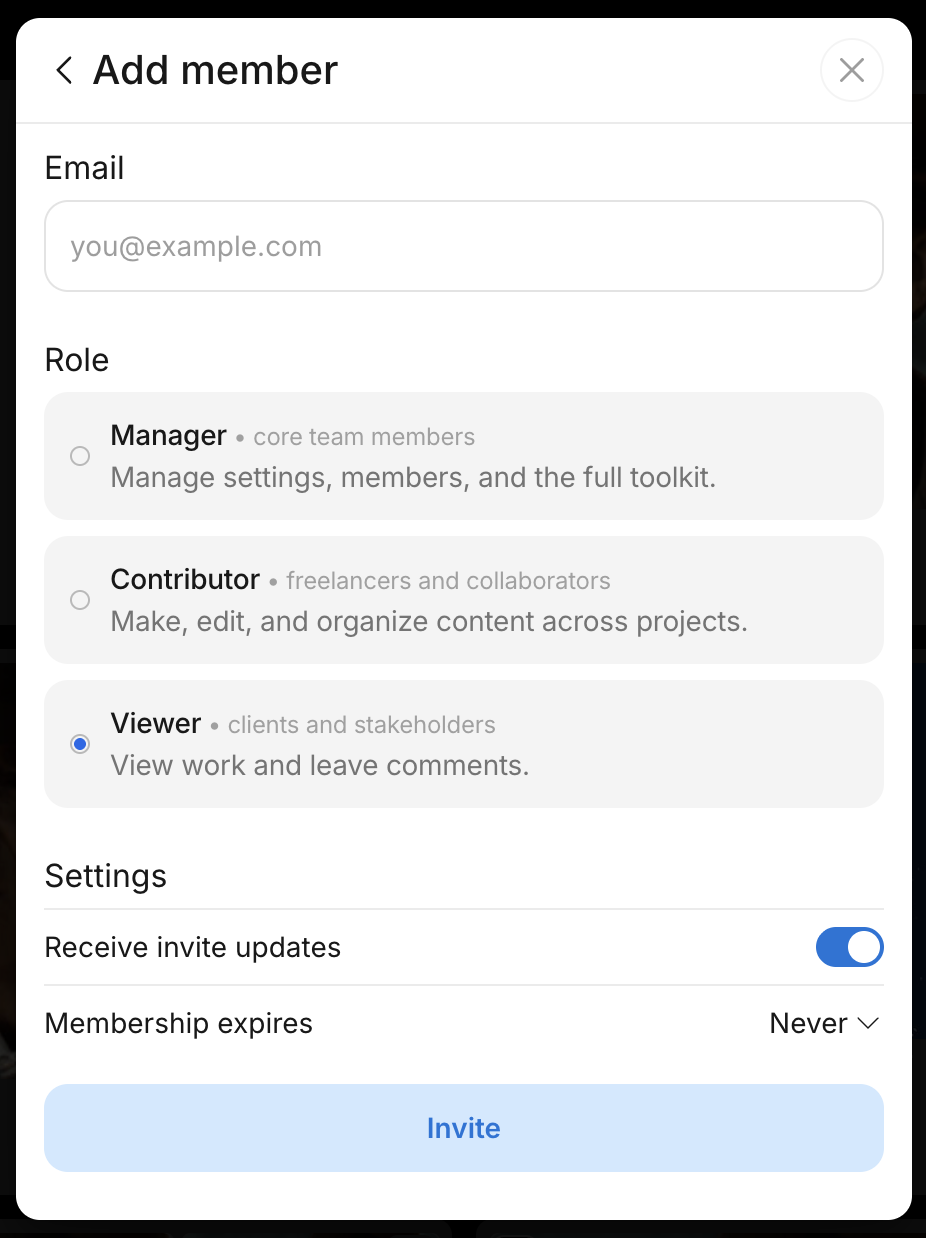
- Click Add member
- Enter the person's email address
- Pick a Role: Manager, Contributor, or Viewer
- Adjust any further settings, such as a membership expiration
- Click Invite
They receive an email invitation. Ask them to check their spam folder before you resend.
note
A person can hold different roles on different targets, and the most permissive one applies.