Edit Profile
Your profile is how you show up to the rest of the team, in comments, mentions, and the members list. Keep your name current and add an avatar so collaborators recognize you at a glance.
Update your profile
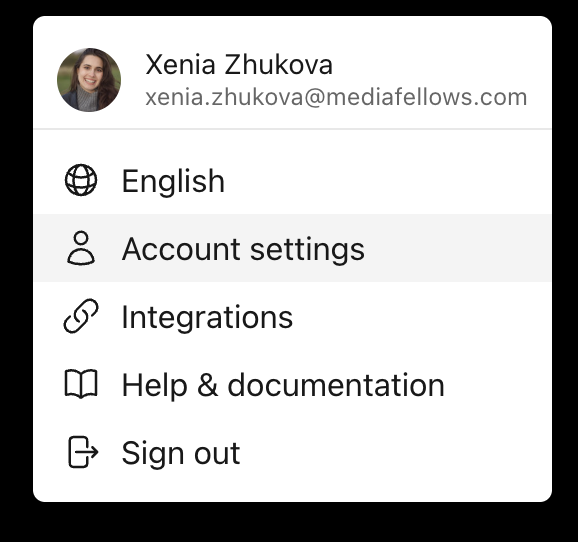
- Click your avatar in the menu bar (it shows your initials until you add a photo)
- Select Account settings
- On the Profile tab, update your First name and Last name
- Click Save
note
Your email address is tied to your account and can't be changed here.
Change your avatar
- Open Account settings and stay on the Profile tab
- Click the pencil icon on your avatar
- Choose Upload avatar to pick an image, or Remove avatar to go back to your initials
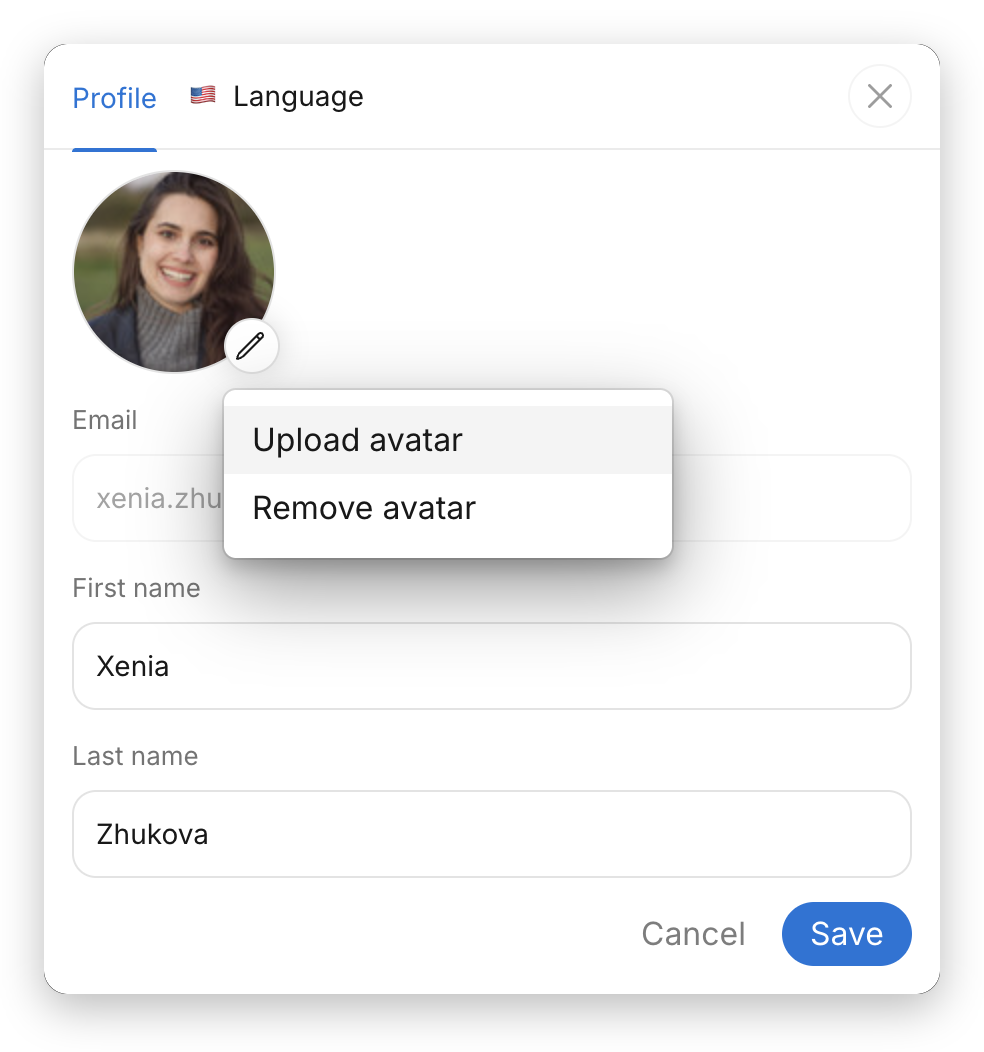
Avatar changes take effect as soon as you upload or remove the image — you don't need to click Save.