Access Management Settings
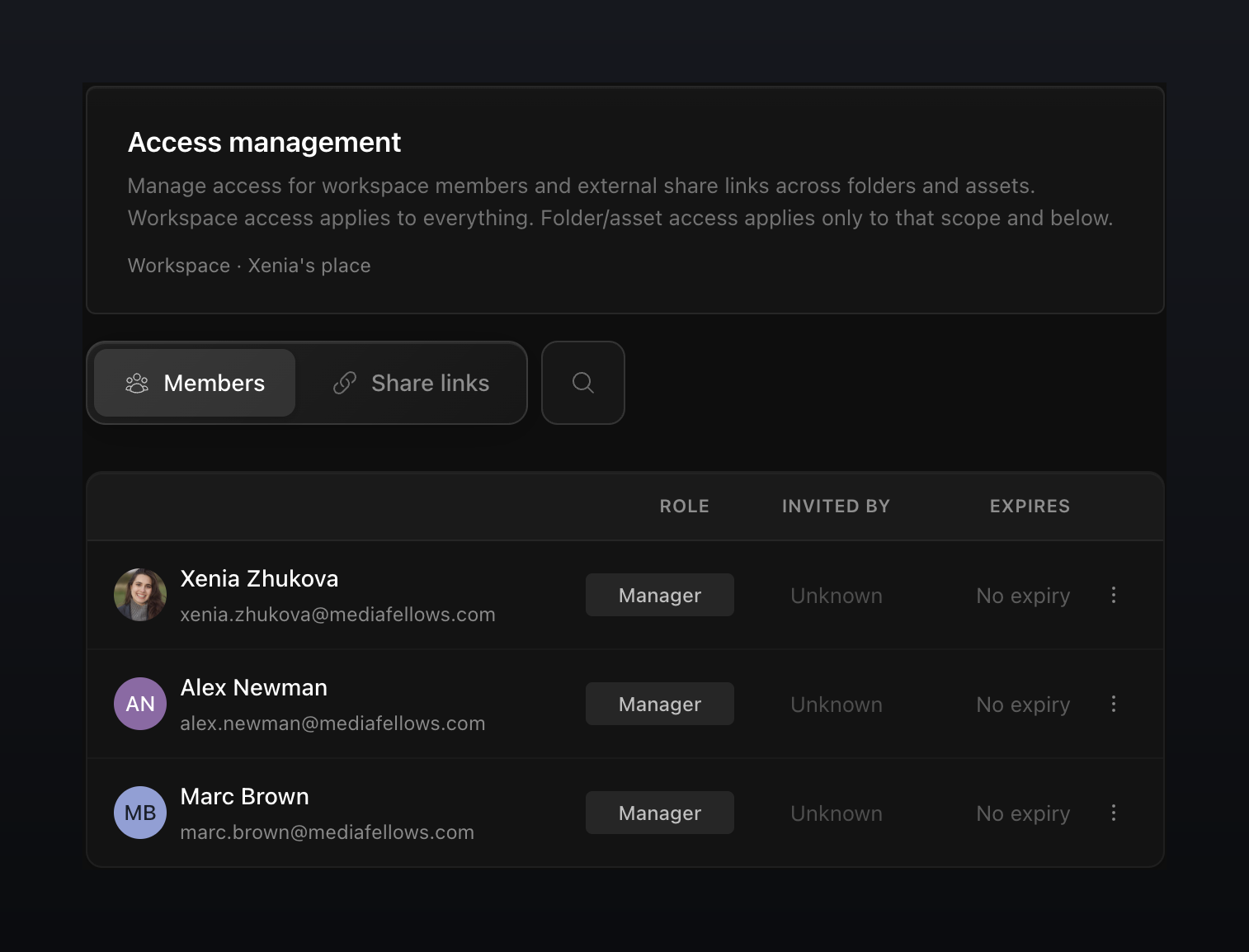
Access management is the single place to see who can do what across your workspace. Managers use it to review every member's role and expiration, and to audit all the share links that have been created, without hunting through individual folders.
Open access management
Access management lives in Settings.
- In the left sidebar, click Settings
- Open the Access management tab
- On the Members tab, review roles, invitations, and expirations by folder and asset
- Open Share links to review all share links and their expirations
- Use the three-dot menu next to a member or a link to manage it
note
Only Managers and the workspace owner see the Settings entry. Contributors and Viewers don't have access to access management.