Manage Notifications
Notifications keep you posted when work lands in a folder, so you don't have to keep checking. You choose what you hear about, and how often, folder by folder.

Set up notifications
- Click the three-dot menu on a folder
- Select Settings
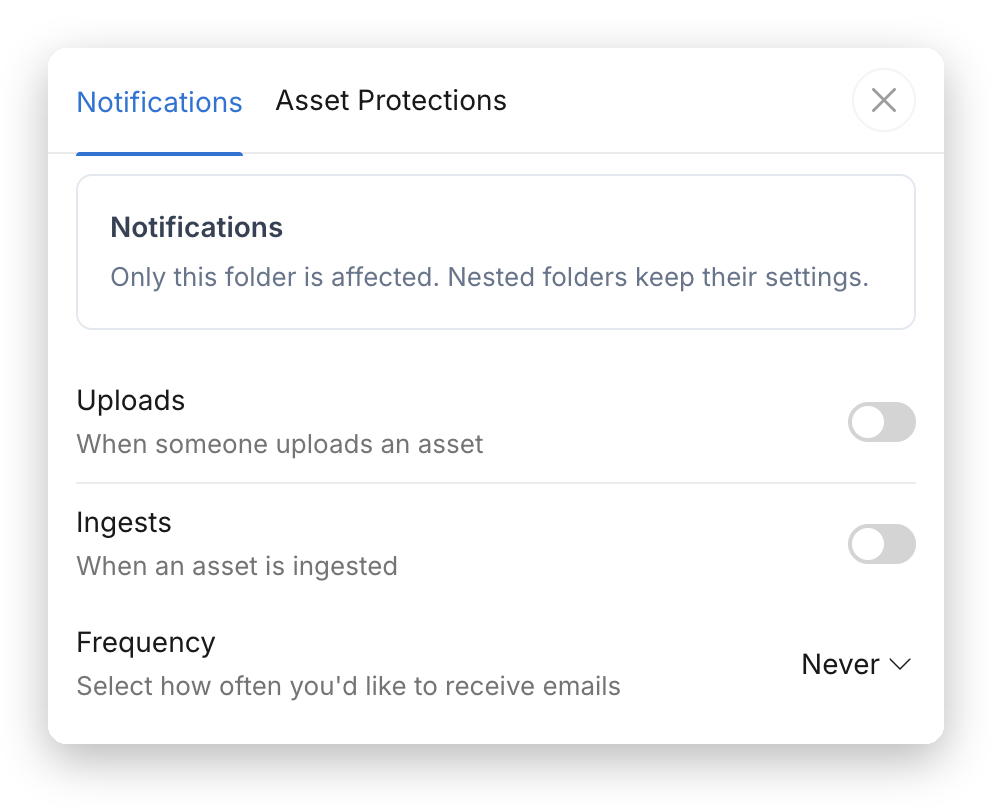
- Toggle notifications for asset uploads and completed ingests
- Optionally, change how often notification emails are sent
note
Notification settings are folder-specific. Each folder has its own upload and ingest notifications, so repeat these steps on any other folder you want to hear about.