Switch Language
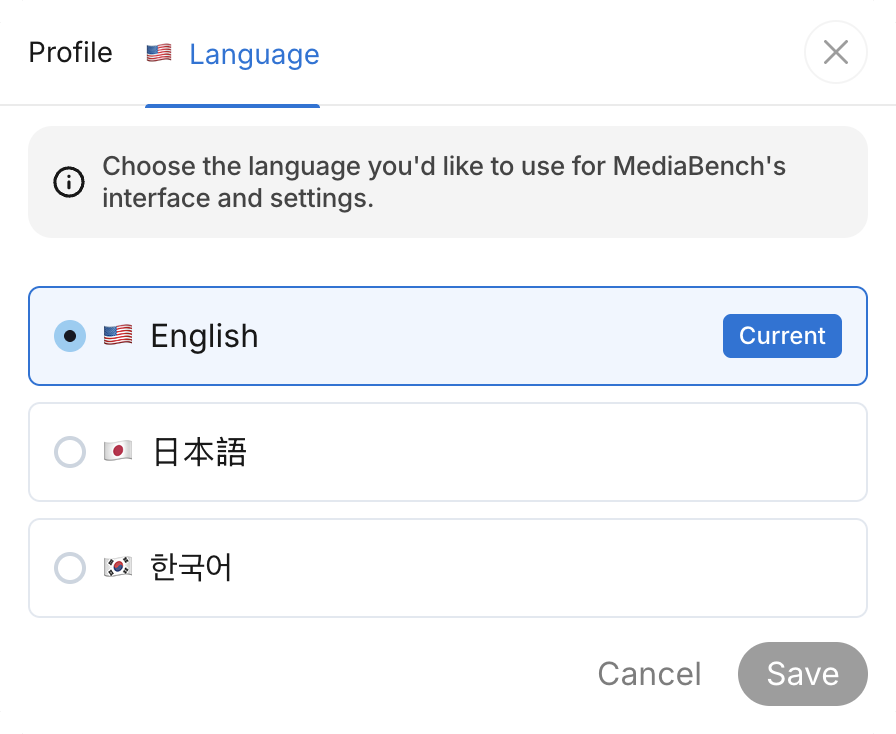
MediaBench's interface and settings can be displayed in English, 日本語, or 한국어. Pick the language you're most comfortable with, and the whole app follows.
Open language settings
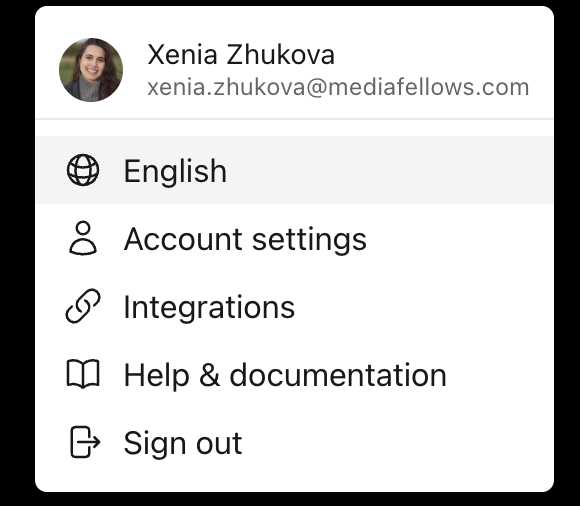
Click your avatar in the menu bar. From there, you can open language settings two ways:
- The current language appears at the top of the menu — click it to jump straight to the Language tab.
- Or select Account settings and open the Language tab.
Choose a language
- On the Language tab, select English, 日本語, or 한국어
- Click Save
Your current language is marked Current.