Change Workspace
A workspace is a self-contained area for an account's media, members, and settings. If you work across more than one, for example a separate space per client, you can switch between the workspaces you've been given access to.
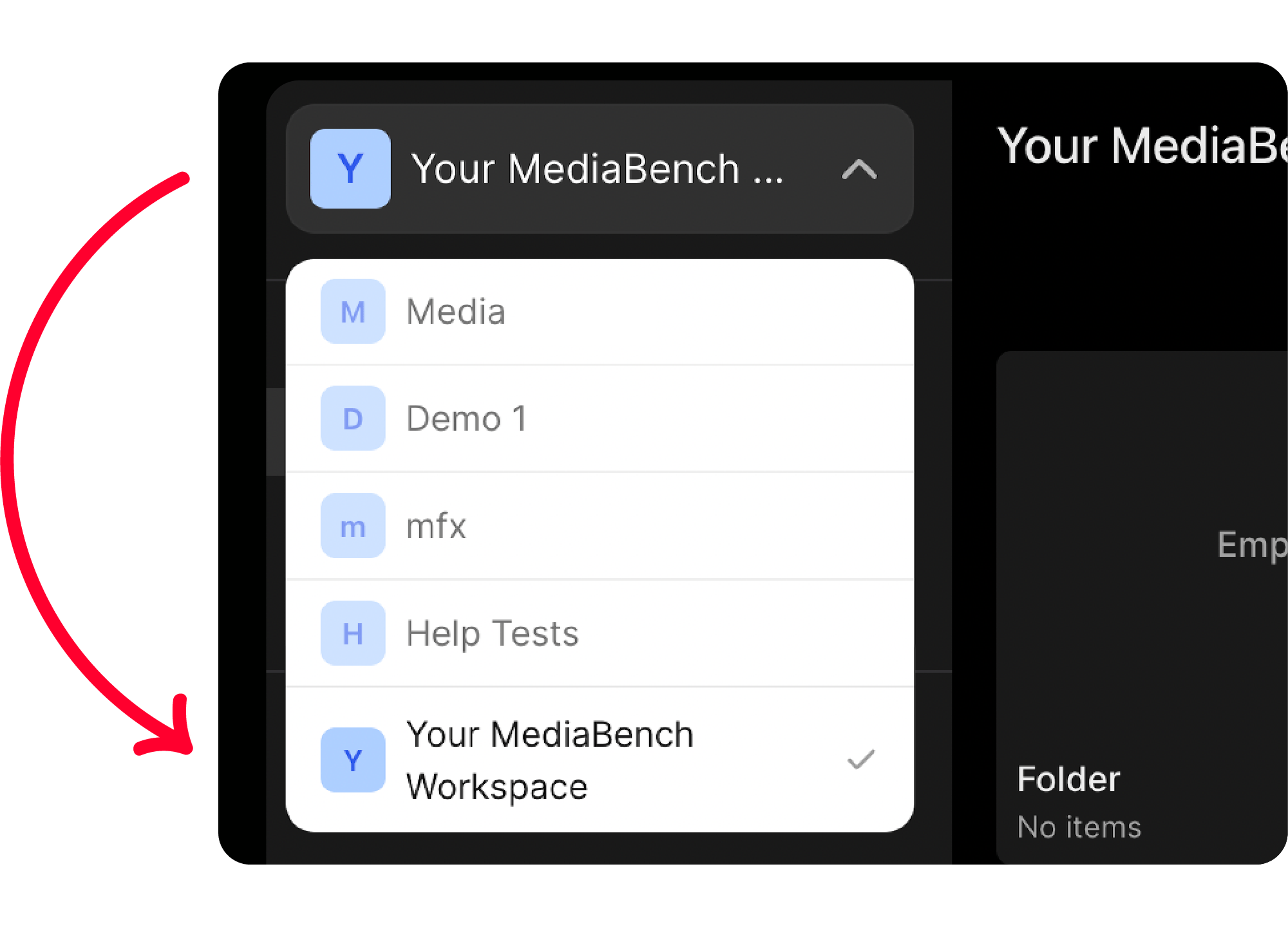
Switch workspace
- Click the dropdown arrow next to your current workspace name in the navigation sidebar
- Choose a workspace from the list
Only workspaces you have access to appear here.
note
Your role can differ from one workspace, folder, or asset to the next, so what you're able to do may change when you switch. See Access roles.