Turn on subtitles in the player
- Select Subtitles in the player bar
- Choose a language, or Off
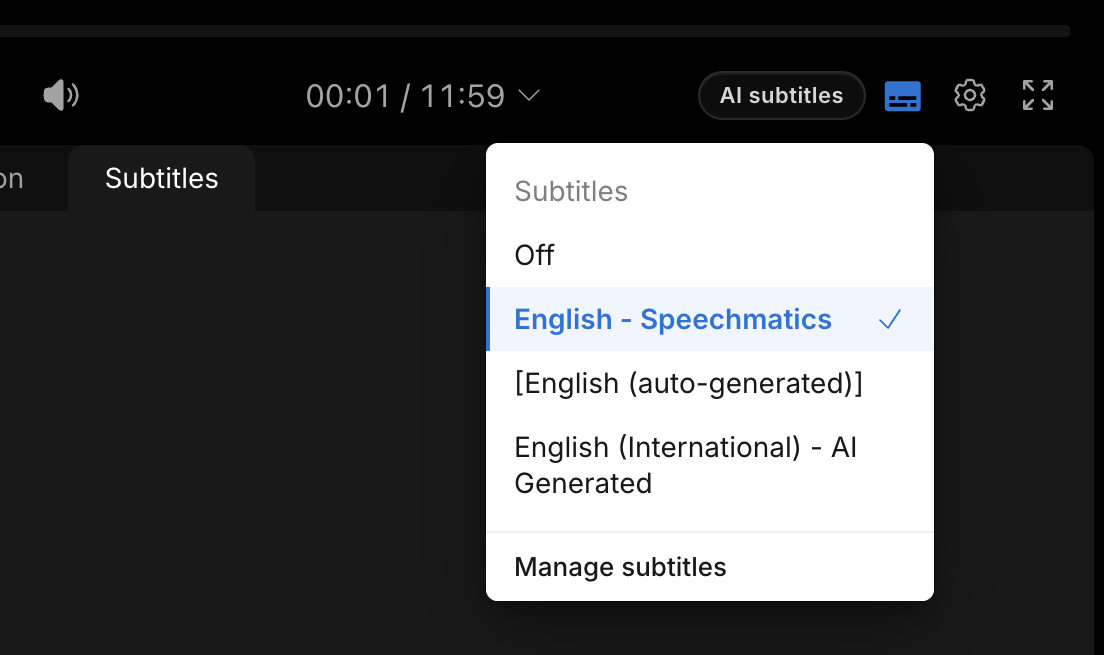
A blue line on the left shows which tracks are selected on the Subtitles tab below the video.
Press ⇧T to show or hide them. See Keyboard shortcuts.
Open Manage subtitles to rename a track or hide it from the player.
For a subtitle that exists only in the MediaStore stream, see MediaStore Subtitles.