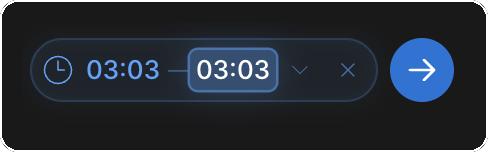
Add Time Ranges to Comments on Video
Precise feedback needs a precise anchor. A comment on a video can point to a single moment or to a span of the timeline, so reviewers know exactly which frame or section you mean instead of guessing.
Choose what a comment points to
A comment is attached to the current moment in the video by default. Use the clock control on the comment box to change that.
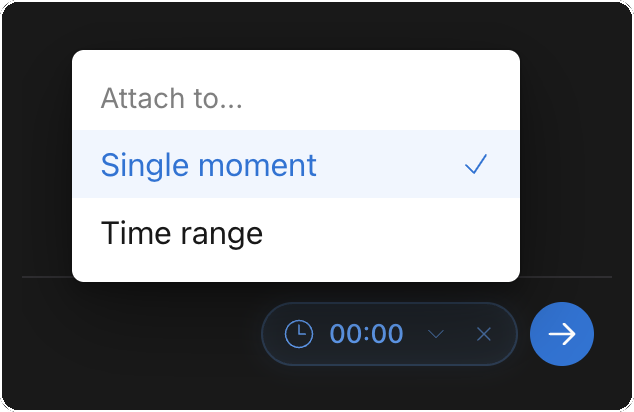
- Open the clock menu (Attach to...) on the comment box
- Choose Single moment to pin the comment to one point, or Time range to cover a span
- For a time range, click the start time, then click the spot on the progress bar to set it ("Click to pick time on timeline"); repeat for the end time
- To leave a general comment with no timestamp, click the X to Detach from time