Change Layout
How you browse a folder is up to you. Switch between layouts to suit the task, whether you're scanning a wall of thumbnails or comparing details row by row.
Switch layout
- Select the current layout icon in the options bar (Tiles, List, or Gallery)
- Choose a layout from the menu
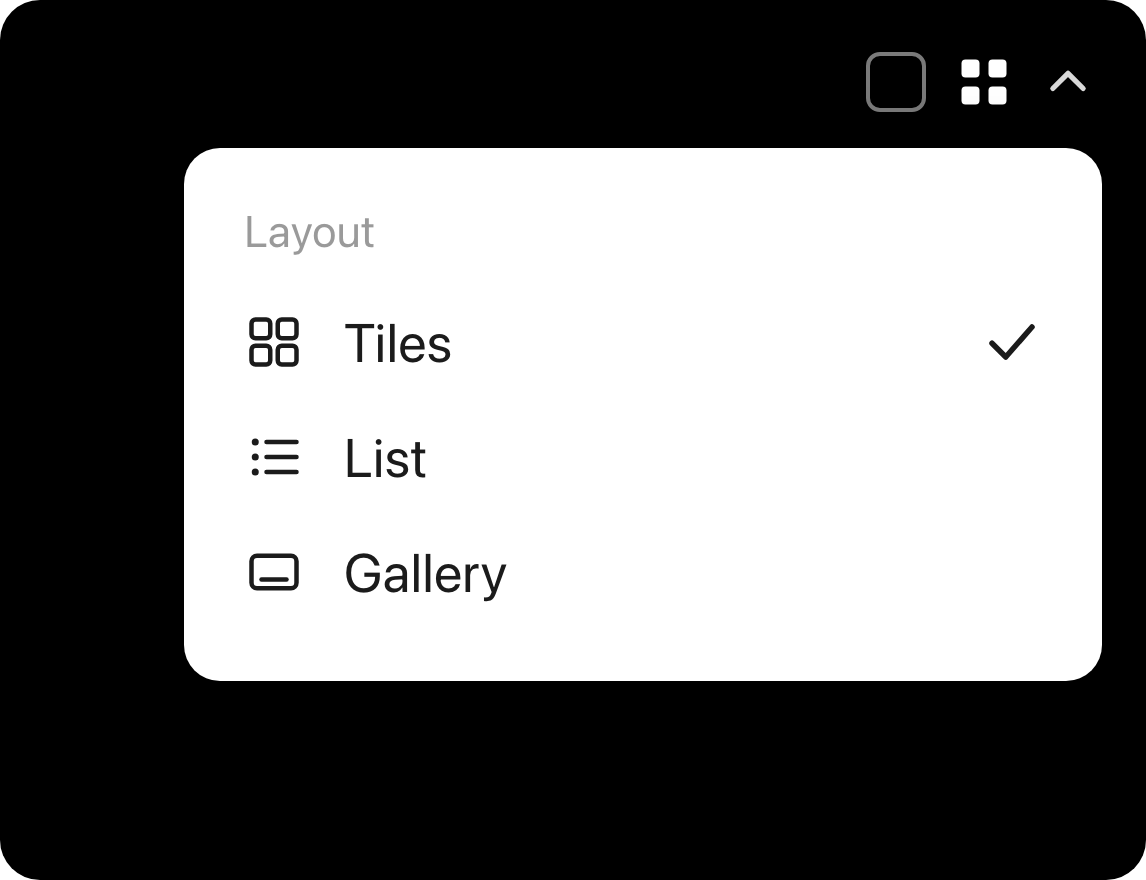
- Tiles - a grid of thumbnails, good for scanning a folder at a glance
- List - a compact row per item, good for details and selecting many at once
- Gallery - large previews, good for showcasing work
note
Selecting multiple items for bulk operations works in Tiles and List layouts.